 Smart Printer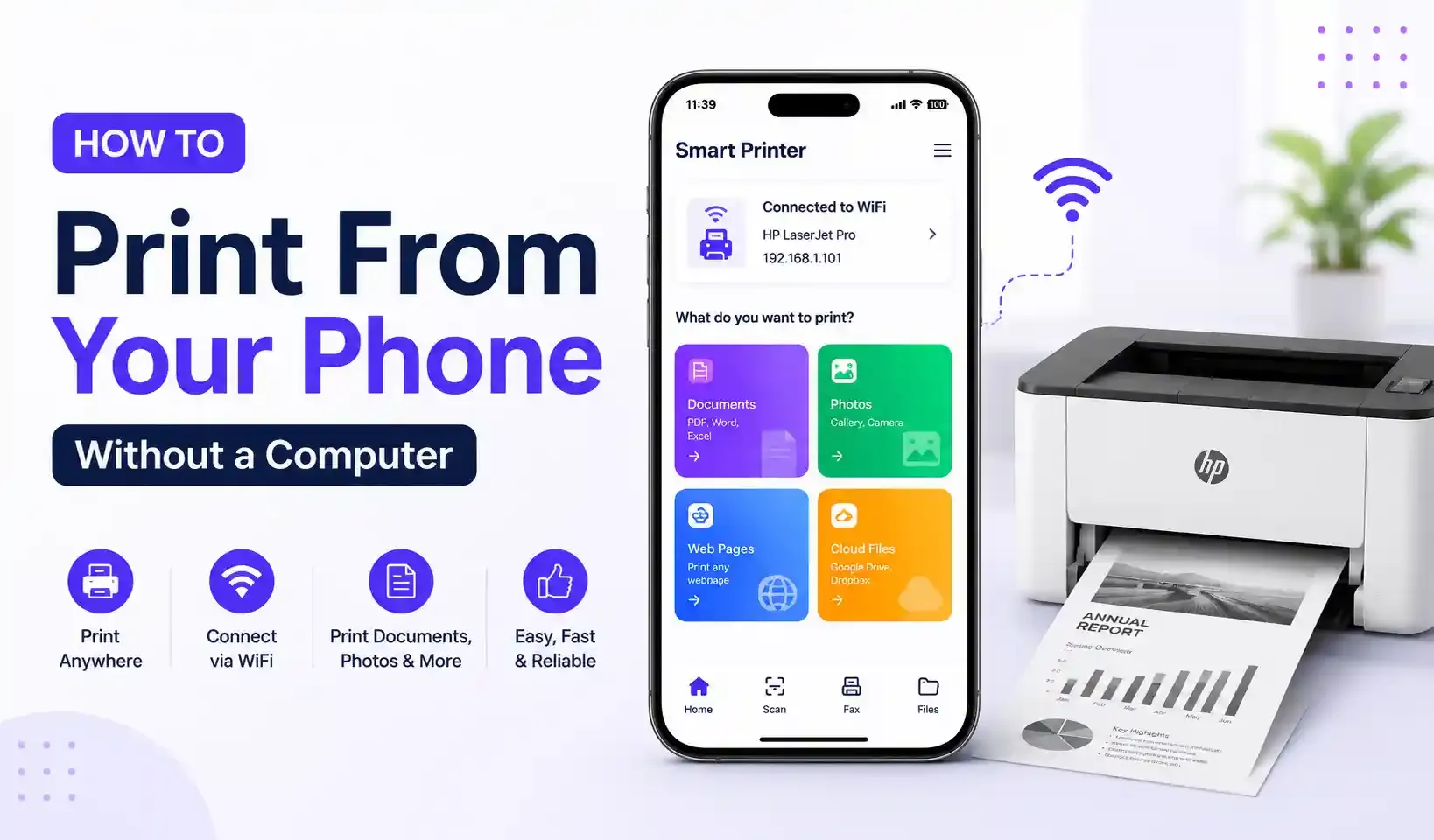
You can print directly from an Android phone or iPhone to any WiFi or network printer without connecting to a computer. Install a mobile printing app, join the same WiFi network as your printer, and the app finds it automatically. Most setups take under two minutes.
What You Need
- A phone (Android or iPhone) and a printer, both on the same WiFi network
- A mobile printing app such as Smart Printer: Print Scan Fax
- No cables, no printer drivers, no laptop
Step-by-Step
- Connect both devices to the same WiFi network. The printer needs to be on your home or office WiFi, not just powered on nearby.
- Open a printing app and let it search. Smart Printer scans the network and lists every compatible printer it finds — HP, Canon, Brother, Epson, and thousands of other models.
- Select your printer from the list.
- Choose what to print — a PDF, a photo, a document from cloud storage, or a page you just scanned.
- Adjust settings and print — paper size, color or black & white, number of copies.
Why Native Phone Tools Aren't Enough
iPhone's built-in AirPrint only works with AirPrint-certified printers, and plenty of older or budget models aren't certified. Android has no single built-in printing standard. Support varies by manufacturer and OS version. A dedicated printing app fills that gap by talking to the printer directly over the network instead of relying on the phone's limited built-in protocol.
If Your Phone Can't Find the Printer
- Confirm the printer and phone are on the same WiFi network, not a guest network
- Restart the printer's WiFi connection
- Move the printer closer to the router
- Check that the printer's WiFi/network setting is on, not just Bluetooth
FAQ
Can I print from my phone without installing anything? iPhone can print to AirPrint-certified printers with no extra app. For any other printer, or for full control over PDFs, photos, and print settings, you need a printing app.
Does this work with my printer brand? Most WiFi and network printers work, including HP, Canon, Brother, Epson, Samsung, Lexmark, and Xerox, as long as the printer and phone share a network.
Do I need internet access to print? No. You need a shared WiFi network with your printer — an internet connection isn't required.
Print directly from your phone to any WiFi printer with Smart Printer: Print Scan Fax — free on Google Play and the App Store.