 Smart Printer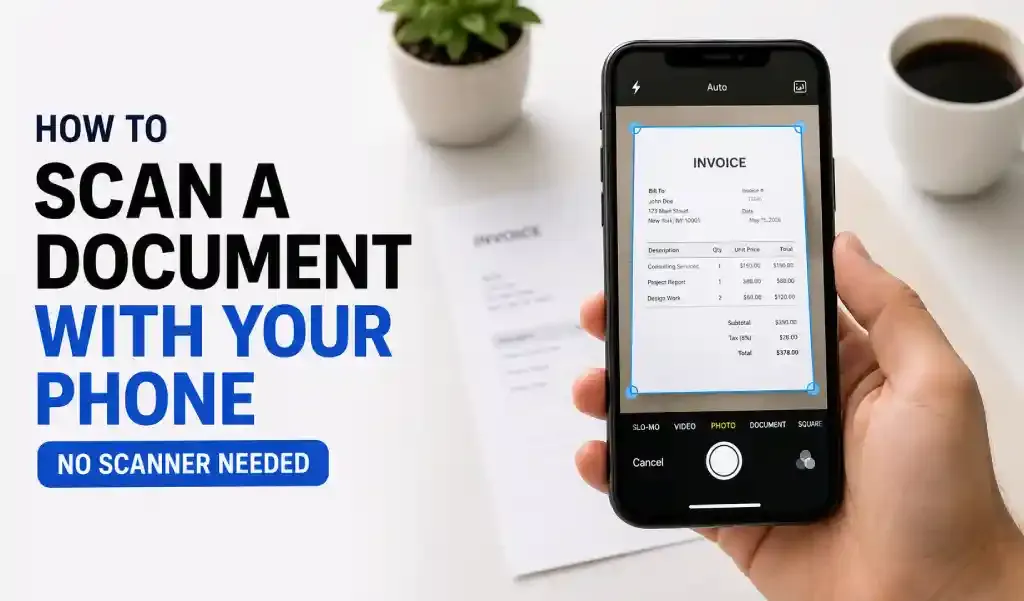
Your phone camera can scan documents as well as a dedicated scanner when you use an app with automatic edge detection. Line up the document, let the app auto-capture and straighten it, and save it as a clean PDF. No scanner hardware required.
Step-by-Step: Scan a Document With Your Phone Camera
- Open the scan tool in an app like Smart Printer: Print Scan Fax.
- Lay the document flat on a plain, contrasting surface.
- Line it up in the frame — the app detects the edges automatically.
- Capture the page. Auto edge detection crops and straightens it for you.
- Add more pages if it's multi-page, then save it all as one PDF.
Getting a Clean Scan
- Use even lighting — avoid direct glare or strong shadows across the page
- Hold the phone directly above the document, not at an angle
- A plain dark surface behind a white page improves edge detection
- Steady your hand or brace your elbow for sharper text
Making Scanned Text Searchable and Editable (OCR)
A photo of a document is just an image, the text inside it isn't selectable or searchable until OCR (Optical Character Recognition) processes it. Apps with built-in OCR convert your scan into text you can copy, search, and edit, which is what turns a scanned receipt or contract into a genuinely usable digital document instead of a picture of one.
What to Do With Your Scan After
Once scanned, a document can be printed, faxed, password-protected, signed, merged with other files, or shared — all without leaving the same app.
FAQ
Is a phone scan as good quality as a flatbed scanner? For most documents — contracts, receipts, forms, IDs — yes, especially with auto edge detection and enhancement. Highly detailed originals like fine art or negatives still benefit from dedicated scanning hardware.
Can I add a scan to a PDF I'm already building? Most scanning apps let you add new scanned pages to an existing document, or merge separate PDFs afterward.
Does OCR cost extra? It depends on the app; some include basic OCR for free and reserve batch or premium OCR for paid tiers.
Can I scan multiple pages into a single file? Yes — scan each page in sequence and the app combines them into one multi-page PDF.
Scan, edit, and organize documents in one app with Smart Printer: Print Scan Fax — free on Google Play and the App Store.