 Smart Printer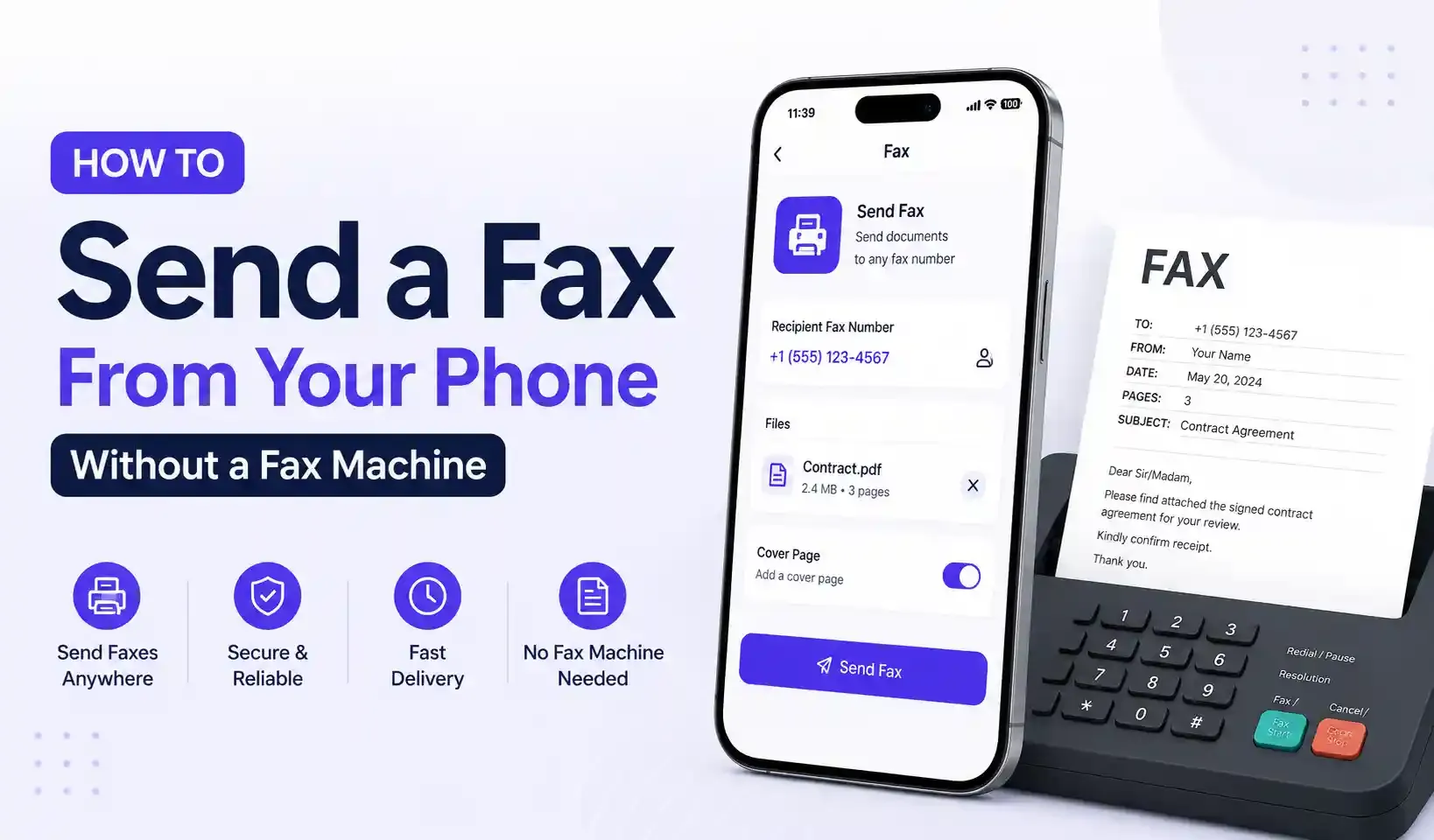
You can send a fax from an iPhone or Android phone without owning a fax machine by using an online fax app. Attach a PDF or scanned document, enter the recipient's fax number, and send. The app transmits it as a standard fax in seconds.
How Online Fax Works
Online fax apps convert your document into a fax transmission and send it through a cloud fax service, the same delivery method traditional fax machines use, minus the machine, phone line, and paper. The recipient's fax machine or fax app receives it exactly as if you'd sent it the old-fashioned way.
Step-by-Step: Send a Fax From Your Phone
- Open the Fax tool in an app like Smart Printer: Print Scan Fax.
- Enter the recipient's number, including the country code for international faxes.
- Attach your document — a PDF, a photo, or a page you just scanned with your camera.
- Add a cover page (optional) with sender and recipient details.
- Review every page, then send. You'll get a delivery status notification once it's confirmed.
Can I Receive Faxes Too?
Yes,d with a dedicated personal fax number, you can receive incoming faxes directly in the app, with a full inbox of sent and received history, so you don't need a landline or a physical machine at all.
Is Online Fax Secure?
Reputable fax apps transmit documents as encrypted files and let you review every page before it sends. It is important for contracts, medical forms, or anything with sensitive information.
FAQ
Do I need a landline to send a fax from my phone? No. Online fax apps send over the internet and standard fax networks — no landline or physical fax machine required.
Can I fax internationally from my phone? Yes, as long as you enter the correct country code with the recipient's number.
Is there a free way to fax from a phone? Some apps offer limited free sending; a dedicated number or higher volume is typically a low-cost add-on rather than free.
What file types can I fax? PDFs and scanned documents are standard; most apps also accept photos and convert them automatically.
Send and receive faxes from your phone with Smart Printer: Print Scan Fax — free on Google Play and the App Store.