 Smart Printer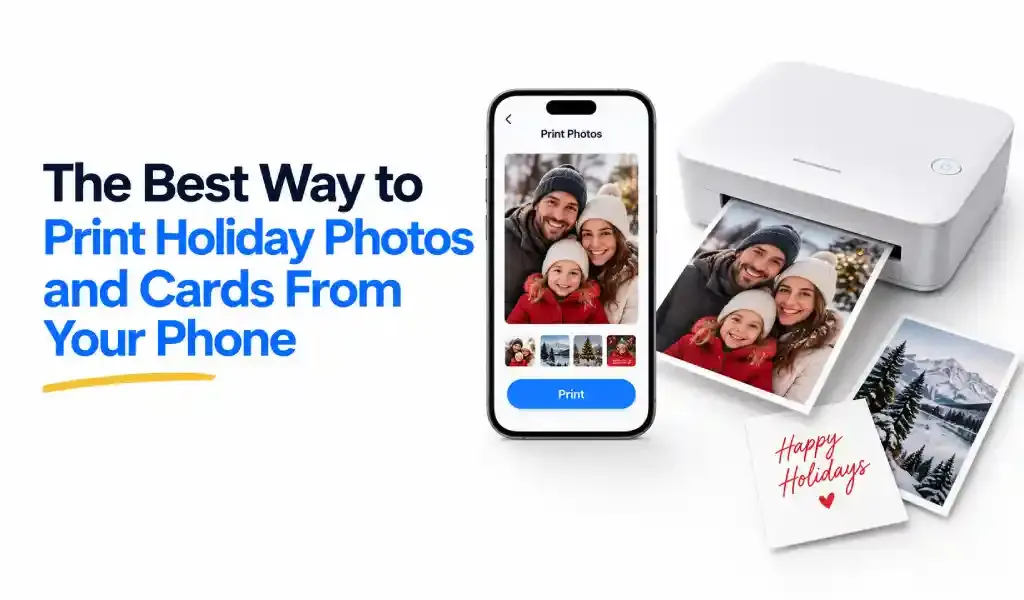
There isn't one best way to do this, because "print holiday photos" and "print holiday cards" are actually two different jobs. A handful of photos to stick on the fridge is a five-minute task. Fifty cards going out to a mailing list, with matching envelopes and a return address, is a small project that needs real lead time. The right method depends on which one you're doing.
Figure Out What You're Actually Printing First
Loose prints — a few favorites from the year, something for a frame, a photo to tuck into a gift — don't need much beyond a decent printer and good photo paper. Holiday cards are a different animal: layout templates, foil accents, a spot for a family photo and a short message, envelopes that match, sometimes a mailing list attached to the order. Trying to solve both problems with the same tool usually means overpaying for one of them.
Printing at Home From Your Phone
This is the fastest option, and the right one when you need photos today rather than in a week. Send the photo straight from your camera roll to a WiFi printer using a mobile printing app — no computer, no memory card, no waiting on shipping. Apps like Smart Printer: Print Scan Fax let you pick photos from your phone and send them straight to any WiFi printer, including options to fit several photos on one page instead of printing each one full-size, which stretches a pack of photo paper considerably further.
The one thing worth getting right at home: use actual photo paper, not the plain paper sitting in the tray for documents. Regular paper soaks up ink unevenly and photos come out dull. A pack of glossy or matte photo paper costs a few dollars and makes a genuinely noticeable difference for anything you're keeping or giving away.
One-Hour Retail Photo Printing
For a bigger batch of standard prints, a drugstore or big-box photo counter is usually the better call. Upload photos from your phone through the store's app, or send them straight from your photos app, and pick the prints up the same day, often within the hour. This is the sweet spot for quantity: a stack of 4x6 prints for an album, extras for grandparents, backups you just want on paper. It's not built for card layouts or mailing, but for volume printing of plain photos, it's hard to beat on price and speed.
Online Holiday Card Services
If you're actually mailing cards, this is the category built for it: templates, multi-photo layouts, foil finishes, matching envelopes, sometimes a service that addresses and mails them for you. The tradeoff is lead time. Production plus shipping takes real days, not minutes, and the fix for anyone who's scrambled every December is simple: order earlier than feels necessary.
Christmas falls on Friday, December 25, in 2026. Working backward, most print-card companies recommend ordering two to three weeks before Thanksgiving, which lands around the first half of November, to get standard production and shipping without paying rush fees. Closer to the holiday, postal services generally treat mid-December, around the 17th, as the safe cutoff for standard domestic mail to arrive by Christmas. International cards need considerably more lead time, ideally sent by late November.
None of this means you're out of luck if you're already behind. Every major card service offers a faster, pricier shipping tier for exactly this reason. It just means the earlier option is always the cheaper one.
Does Quality Actually Differ Between Methods?
A little, and it's worth knowing before you commit to fifty of anything. Home printers, even good ones, tend to fall behind dedicated photo lab equipment on color accuracy and how long the print resists fading, especially with everyday inkjet cartridges rather than photo-specific ink. Retail one-hour counters and online card services generally use commercial photo printers built for exactly this job, which is why a print from either tends to look a shade more vivid than the same photo printed at home. For a handful of casual prints, that difference is barely noticeable. For a card going to fifty relatives, or a print going in a frame for years, it's worth factoring in.
Quick Tips for Prints That Actually Look Good
A few things separate a print that looks great from one that looks slightly off, regardless of which method you use.
- Use the original photo, not a screenshot. A photo saved from Instagram or texted between phones loses quality every time it's compressed and re-saved. Go back to the original in your camera roll.
- Natural light photos print better. Flash-heavy indoor shots tend to look flatter on paper than they do on a screen.
- Proof before you commit to a big batch. If you're ordering fifty of the same card, print or order one first and actually look at it before finalizing the run.
Quick Answers
What's the cheapest way to print holiday photos? For a small number of loose prints, printing at home is usually cheapest if you already own a printer. For larger quantities, retail one-hour photo counters typically beat both home printing and mail-order card services on price per print.
When should I order holiday cards to arrive by Christmas 2026? Aim to place your order by early-to-mid November for standard shipping without rush fees, and have cards in the mail by mid-December for standard delivery before December 25, which falls on a Friday this year. International cards should go out by late November.
Can I print my own holiday cards at home instead of ordering them? Yes, using card templates in a photo or printing app along with good cardstock or photo paper, though most people find matching envelopes and layout options easier through a dedicated card service.
What photo resolution do I need for good quality prints? For a standard 4x6 or 5x7 print, a photo of at least 1200 by 1800 pixels looks sharp. Anything below that, especially photos pulled from social media, may look soft or pixelated once printed.