 Smart Printer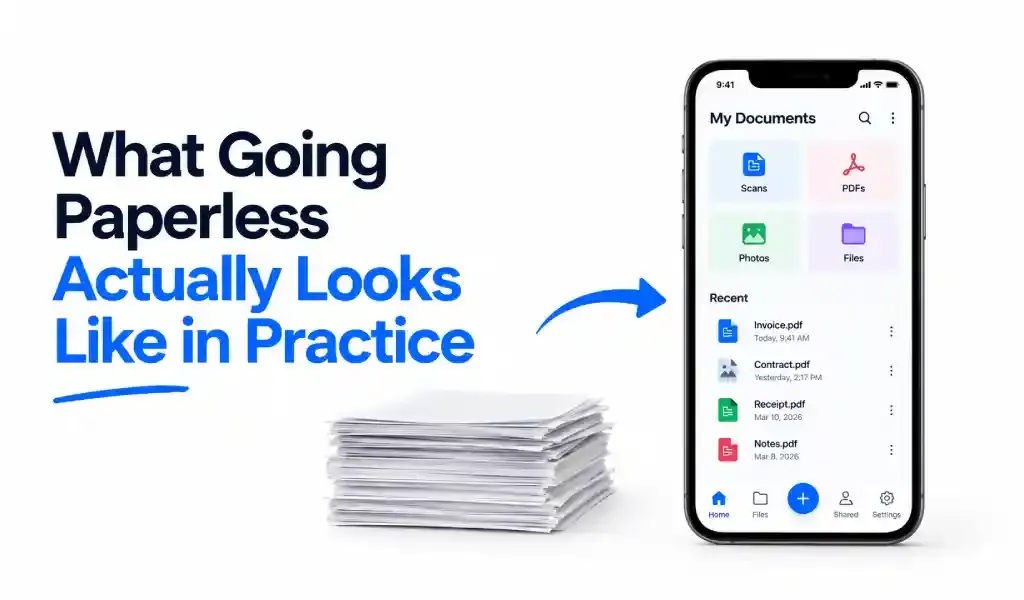
Going paperless almost never means using zero paper. In practice, it means shifting most day-to-day paperwork to digital-first while a smaller, specific set of documents keeps landing on paper anyway. A recent industry survey found that only about 10% of workers operate fully digitally, 12% still print everything, and the remaining 41% just live in both worlds depending on the task. That middle group is the honest picture of what "paperless" looks like for most people right now.
A Promise That's Been "Almost Here" Since the 1970s
The idea of a paperless office isn't new. It showed up in predictions made back when personal computers first started appearing on desks, with confident forecasts that paper would basically disappear from offices within a decade or two. It didn't happen. Global paper production actually kept climbing for years afterward, according to engineering industry data tracking output from the mid-2000s to the mid-2010s, rising by tens of millions of tons even as computers became standard in every office. More screens didn't mean less paper. If anything, cheap desktop printers made it easier to print more of what people were already reading on those same screens.
What's different now isn't that paper suddenly disappeared. It's that a specific set of tools finally got good enough, and common enough, to replace paper at the exact moments people used to reach for it.
What Actually Goes Digital First
Some categories of paperwork switch over almost without anyone noticing. Internal approvals, day-to-day notes, most standard business contracts, expense receipts: these move to digital by default now, mainly because e-signatures and simple document storage handle them with less back-and-forth than printing, signing, and filing ever did.
Other categories resist much longer, usually for a specific reason rather than plain habit. Some healthcare and legal paperwork is tied to systems and regulations built around paper decades ago that haven't been replaced. Some processes still require something a regulator or counterparty specifically defined as acceptable, and updating that definition takes longer than updating the software.
That's actually why fax hasn't disappeared even in mostly-digital offices. It looks like a paper-era holdout, but sending a fax today usually means attaching a PDF and transmitting it electronically, with no physical machine involved. Replacing a fax machine with an online fax service is, ironically, one of the more paperless moves a business can make: same requirement the other side still insists on, none of the actual paper.
Why Paperless Efforts Stall
The initiatives that fail usually try to eliminate everything at once. Someone decides the office will "go paperless" starting Monday, every process gets flagged for digitization at the same time, and within a few weeks the effort quietly collapses because nobody accounted for the handful of documents that genuinely can't move that fast.
The ones that actually work start narrower. They look at where paper is creating a real bottleneck, usually approvals, signatures, or physical document storage, and replace just that one step first. Once that's working and people trust it, the next category gets tackled. It's slower, but it's the version that survives past the first month.
The Toolkit That Actually Gets You There
None of this requires an enterprise software rollout. For most individuals and small teams, three capabilities cover almost everything: a way to turn incoming paper into a digital file, a way to sign things without printing them, and a way to send the occasional fax a counterparty still insists on.
A phone already covers most of the hardware side of this. What's usually missing is one app that handles all three without needing three separate subscriptions. Smart Printer: Print Scan Fax is one example that bundles a document scanner, PDF signing, and online fax into a single tool, which is roughly the minimum kit needed to stop paper from piling back up once it starts arriving again.
The part people skip, and then regret, is naming and organizing files as they go. A scanned document with a filename like "IMG_4821.pdf" is technically digital, but it's functionally as hard to find as the paper version was. A quick habit of naming files by date and subject, and dropping them into the same few folders every time, is what actually makes the difference between "we went paperless" and "we just moved the mess into a phone."
Quick Answers
Does going paperless mean using zero paper? No. In practice it means most routine paperwork moves to digital by default, while a smaller set of documents, often tied to specific regulations or older systems, still involves paper.
What usually stops an office from actually going paperless? Trying to digitize everything at once. Efforts that succeed tend to target one specific bottleneck first, like signatures or approvals, rather than every process simultaneously.
Are digital signatures as legally valid as paper ones? In most jurisdictions, yes, when collected through a proper e-signature process, though certain document types still require a physical signature depending on local law.
Why do some offices still use fax if they're mostly paperless? Because some organizations they deal with still require it. Sending that fax online, without a physical machine, is still a paperless step even though the requirement itself is old.
Is going paperless actually cheaper? Usually, but not immediately. The savings show up in reduced paper, ink, and storage costs over time, and in less time spent searching for documents, rather than as a single upfront number.
Related reading: Do you still need a fax machine in 2026? · How to sign a PDF on your phone